

Prerequisites
Before you begin, ensure you have:- A LiteFold account (sign up at litefold.ai)
- A modern web browser (Chrome, Firefox, Safari, or Edge)
- A protein sequence or PDB file for structure prediction
- (Optional) A ligand molecule in SMILES or SDF format for docking
Sign In to LiteFold
After creating your account, sign in to the LiteFold workspace. The workspace serves as the central location for all projects, experiments, generated structures, docking studies, simulations, and design jobs.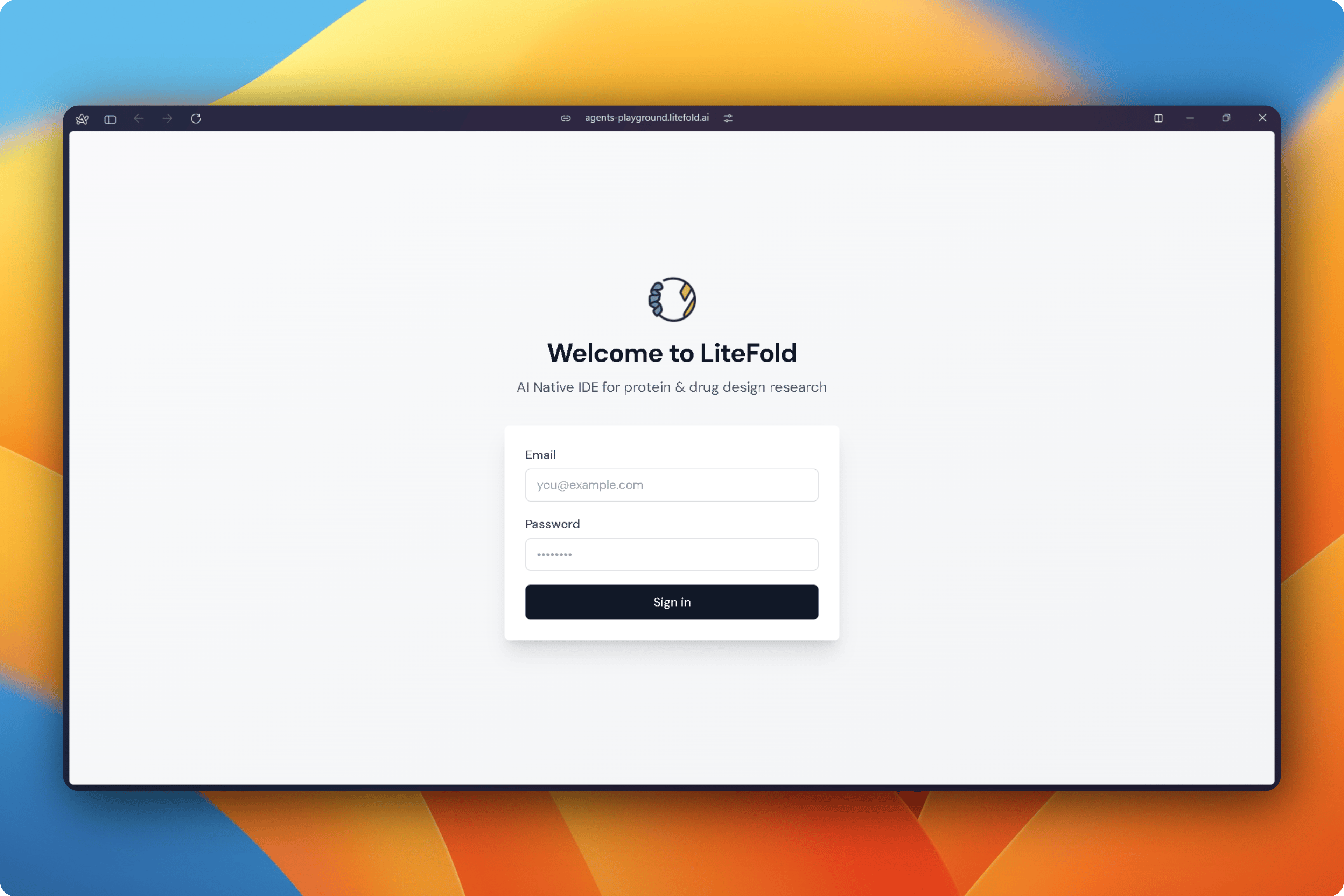
Create Your First Project
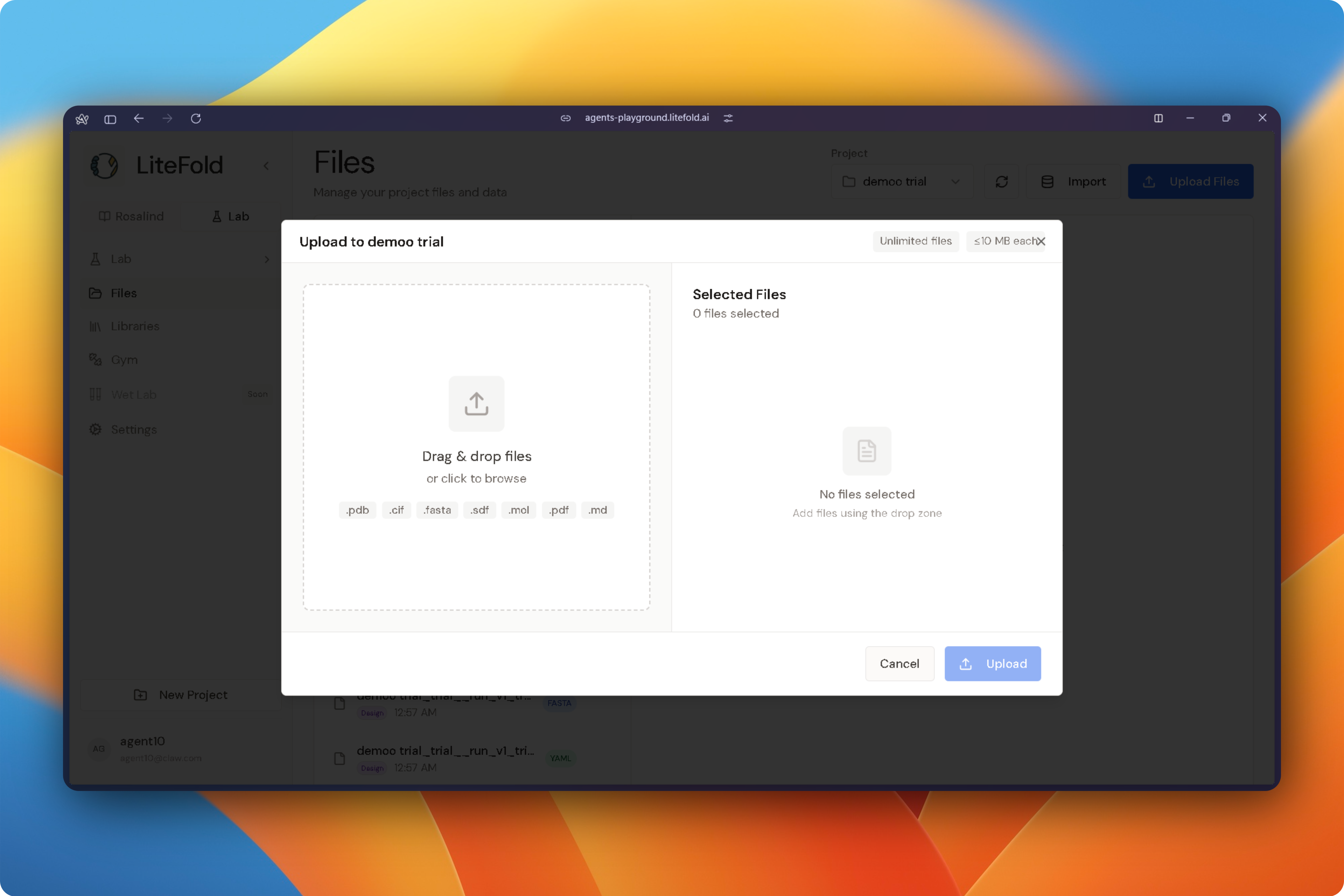
All work in LiteFold is organized into projects. Select New Project from the sidebar and enter a project name. Projects provide a shared workspace for structures, molecules, simulations, and analysis results. After creation, the project becomes available throughout the platform and can be selected when launching new experiments.Upload Files
Before starting an experiment, upload the files required for your study. Open the Files section from the sidebar and upload any supported research assets, including:- FASTA sequences
- Protein structures (PDB, CIF)
- Ligands (SDF, MOL2)
- Simulation outputs
- Supporting datasets
Choose a Research Workflow
From the Lab workspace, select the workflow that matches your research objective.Structure Prediction
Predict protein, protein-complex, protein-ligand, protein-DNA, or protein-RNA structures from sequence data.Molecular Docking
Identify binding modes and estimate binding affinity between ligands and biological targets.DeNovo Design
Generate new molecules, peptides, proteins, or aptamers optimized for a target structure.Dynamo
Run molecular dynamics simulations to evaluate stability, flexibility, and molecular interactions over time.Rosalind AI
Use LiteFold’s AI co-scientist to search databases, interpret results, suggest experiments, and automate research tasks.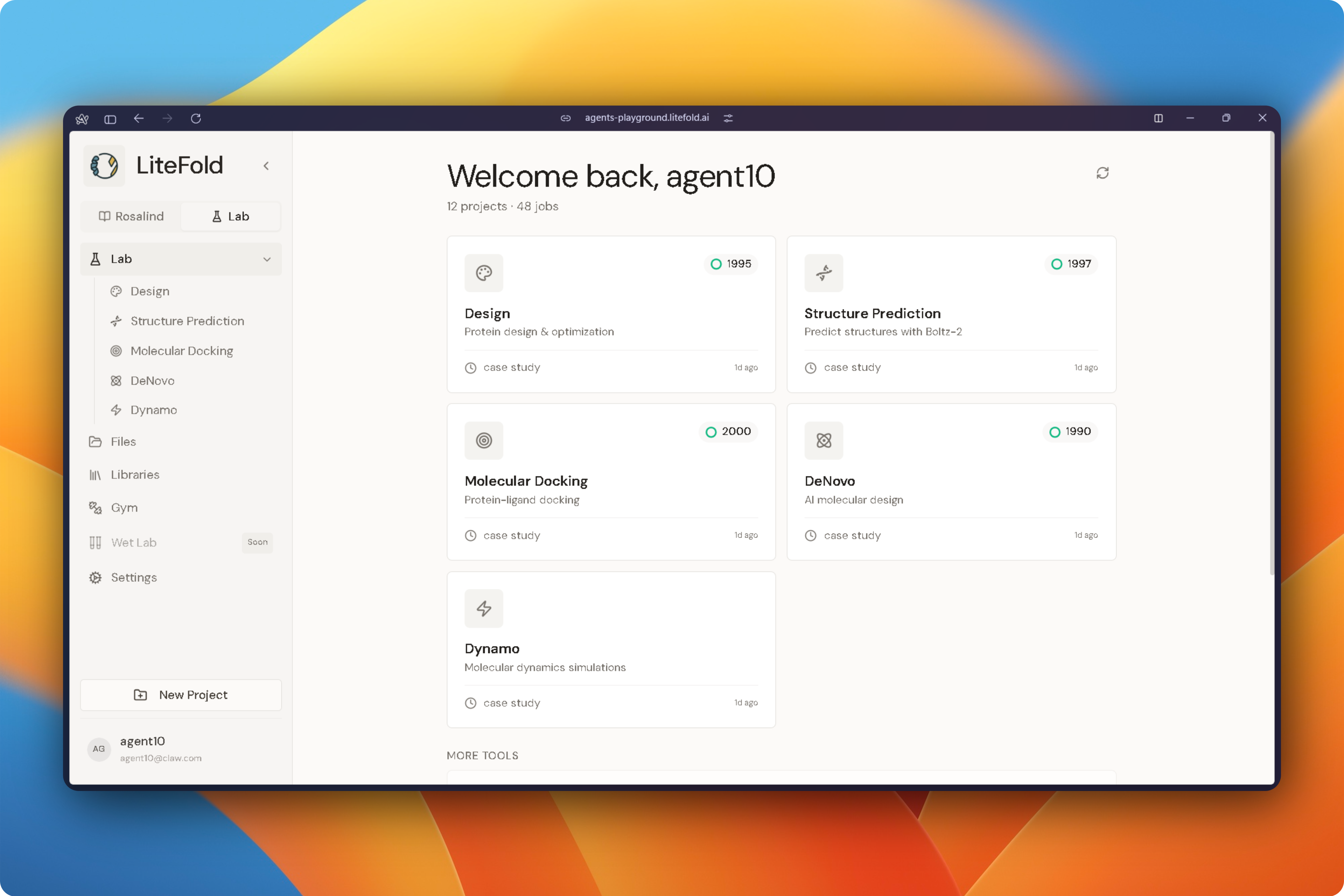
Run Your First Experiment
Every LiteFold workflow follows a similar pattern:- Select a project.
- Choose input files.
- Configure experiment parameters.
- Review settings.
- Submit the job.
Monitor Progress
Running experiments appear in their respective workflow pages. Depending on the workflow, LiteFold provides:- Job status tracking
- Progress indicators
- Live logs
- Intermediate outputs
- Downloadable results
Analyze Results
Each LiteFold workflow includes dedicated analysis tools. Structure prediction results provide confidence metrics and interactive structure visualization. Docking experiments provide binding poses, interaction maps, and affinity scores. DeNovo design workflows provide generated candidates along with drug-likeness and docking evaluations. Molecular dynamics simulations provide trajectory analysis, RMSD, RMSF, hydrogen-bond occupancy, and energy profiles.Work with Rosalind AI
Rosalind can assist throughout the research process. Researchers can ask Rosalind to:- Search scientific literature
- Retrieve known ligands and targets
- Suggest experimental strategies
- Configure workflows
- Interpret computational results
- Recommend follow-up studies
Recommended First Workflow
For new users, the following sequence provides a complete introduction to the platform:- Upload a protein structure.
- Run Molecular Docking.
- Analyze binding interactions.
- Generate optimized candidates using DeNovo Design.
- Validate promising molecules with Dynamo simulations.
- Use Rosalind to summarize findings and suggest next experiments.
Platform Overview
Explore all of LiteFold’s capabilities beyond structure prediction and docking.
Drug Discovery Workflows
Learn how to run complete drug discovery campaigns from target to candidate.
Molecular Dynamics
Validate binding predictions with MD simulations and calculate binding free energies.
De Novo Design
Generate novel molecules tailored to your protein target using generative AI.
Need Help?
Get Support
Our team is here to help! Reach out with questions, feedback, or if you encounter any issues.Email: support@litefold.ai
Community Resources
Join the LiteFold community to learn from other researchers and share your experiences:- Blog: Read the latest research and tutorials at litefold.ai/blog
- HuggingFace: Access our models and datasets at huggingface.co/LiteFold
- Publications: Explore our research at litefold.ai/research